Current System Updates (Feb 2026)
This style guide now reflects the latest portfolio updates implemented across the site.
- Header: logo left, nav right, with scanline sweep and energy underline hover treatment.
- Backgrounds: index uses interactive spider + particles; all other pages use particles-only background.
- Cards: game-detail containers use frosted glass with dual glow border and hover elevation.
- Landing Layout: Latest Work card is anchored bottom-left on desktop and stacks naturally on mobile.
- Mobile Pass: index hero text/spacing becomes fluid at <=768px, and spider tap/pounce supports touchstart.
Header Interaction Pattern
CSS selectors:
#header-wrapper::after, .navbar a::before, .navbar a:hover::before
Sample code:
        #header-wrapper::after { animation: header-scanline 4.6s ease-in-out infinite; }

        .navbar a::before { transform: scaleX(0); }

        .navbar a:hover::before { transform: scaleX(1); }
Rendered element:
The live header at the top of this page uses the same interaction treatment.
Frosted Glass Card Pattern
Selectors used in project pages:
.game-description, .game-mechanics, .contribution-summary, .Process, .reflection, .link-build
Sample code:
        .card {

          backdrop-filter: blur(26px) saturate(190%) contrast(118%) brightness(112%);

          border: 1px solid rgba(255,255,255,.22);

          transition: transform .28s ease, box-shadow .28s ease;

        }

        .card:hover { transform: translateY(-2px); }
Rendered element:
Glass Card Demo
Frosted panel, layered sheen, dual glow border, and subtle hover elevation match the current game page containers.
Background Behavior Rules
JavaScript sources:
js/spider-bg.js (index only), js/particles-bg.js (all other pages)
Notes:
- Spider uses cursor/touch tracking, pounce on click/touchstart, and roaming when idle.
- Particles-only variant keeps visual consistency without interaction overhead on interior pages.
Index Mobile Layout Rules
Breakpoints:
@media (max-width: 768px)
Applied behavior:
- Hero content width becomes fluid and spacing is tightened.
- Body text line-height and tracking are normalized for readability.
- Latest Work section switches to full-width stacked layout.
Headings and Paragraphs
CSS selector:
h1, h2, h3, p
Sample code:
<h1>Heading 1</h1><h2>Heading 2</h2><h3>Heading 3</h3><p>Paragraph text</p>
Rendered element:
Heading 1
Heading 2
Heading 3
Paragraph text
Navigation Bar
CSS selector:
.navbar, .navbar ul, .navbar li, .navbar a
Sample code:
        <nav class="navbar">

          <ul>

            <li><a href="game.html">Games</a></li>

            <li><a href="about.html">About</a></li>

            <li><a href="contact.html">Contact</a></li>

          </ul>

        </nav>
Rendered element:
Game Box
The game box is used to feature games on the portfolio. It includes an image of the game, the game title, and some details about the project.
Example Game Box
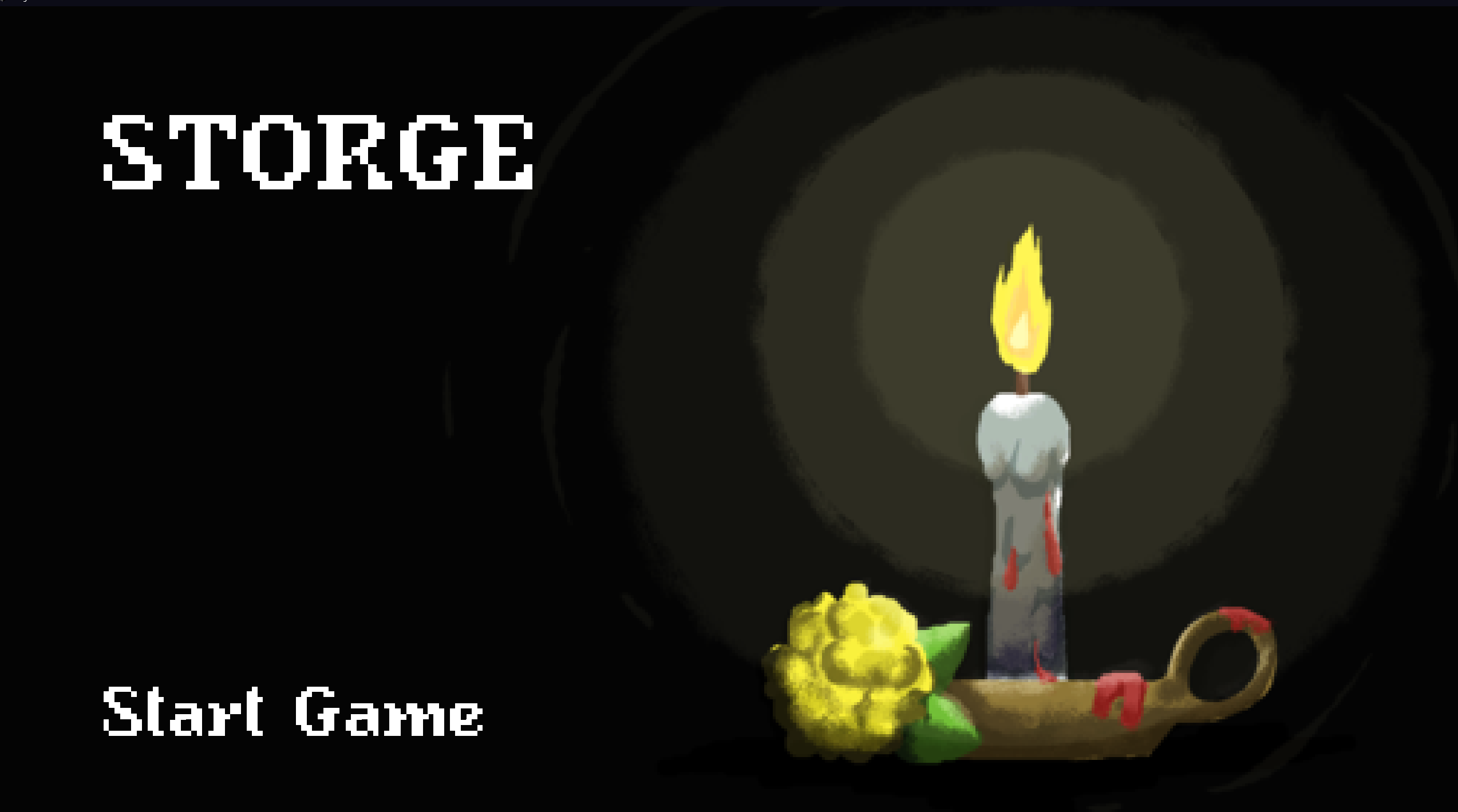
Storge (2023)
Duration: September 2023-January 2024
Type: University Project
Role: Lead mechanics gameplay programmer and SFX designer
Engine and Tools: Unity
Sample Code:
                <a class="game-box" href="storge.html">
                    <img src="images/storge1.png" alt="The Storge">
                    <div class="game-info">
                        <h3>Storge (2023)</h3>
                        <p>Duration: September 2023-January 2024</p>
                        <p>Type: University Project</p>
                        <p>Role: Lead mechanics gameplay programmer and SFX designer</p>
                        <p>Engine and Tools: Unity </p>
                    </div>
                </a>
Buttons
CSS selector:
button, .button-primary, .button-secondary
Sample code:
<button class="button-primary">Primary Button</button><button class="button-secondary">Secondary Button</button>
Rendered element:
Form Elements
CSS selector:
input[type="text"], input[type="email"], textarea
Sample code:
        <input type="text" placeholder="Text Input" class="input-text"/>

        <input type="email" placeholder="Email Input" class="input-email"/>

        <textarea placeholder="Textarea"></textarea>